Lab Analyzer Integration Explained: HL7, ASTM and LIS Interfacing
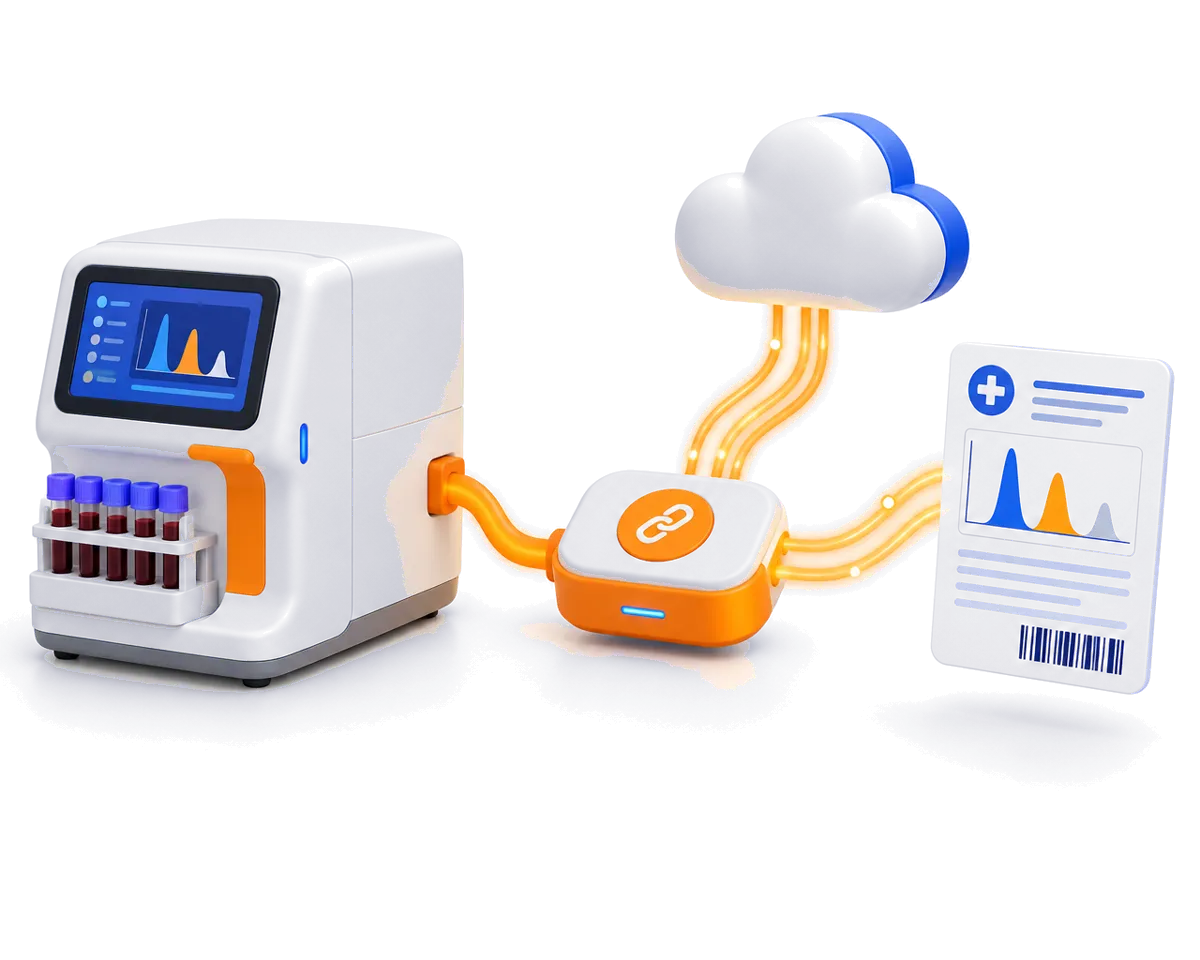
How laboratory analyzers send results to a LIS: ASTM E1394 and LIS01-A, HL7 v2, RS232 vs TCP/IP, uni- vs bi-directional interfacing, and what to check before you connect.
Cloud-only, desktop-only or hybrid? How each kind of hospital management software behaves when the internet fails, and how to choose the right one for an Indian hospital.
Choosing hospital management software (HMS) usually starts with a feature checklist: OP, IP, lab, pharmacy, billing. But one question decides how your hospital will actually feel to run every day — where does the software live, and what happens when the internet goes down?
There are three answers: desktop-only, cloud-only and hybrid. Here is how each one works, where each one struggles, and how to decide.
A desktop (or “on-premise”) HMS runs entirely on a server inside your hospital. Every counter and department connects to it over your local network.
What works well:
Where it struggles:
A cloud HMS runs on servers in a data centre. Every screen in your hospital is a browser talking to that server over the internet.
What works well:
Where it struggles:
For a clinic in a well-connected city this can be acceptable. For a hospital where a queue forms in minutes, a few hours of downtime is expensive and stressful.
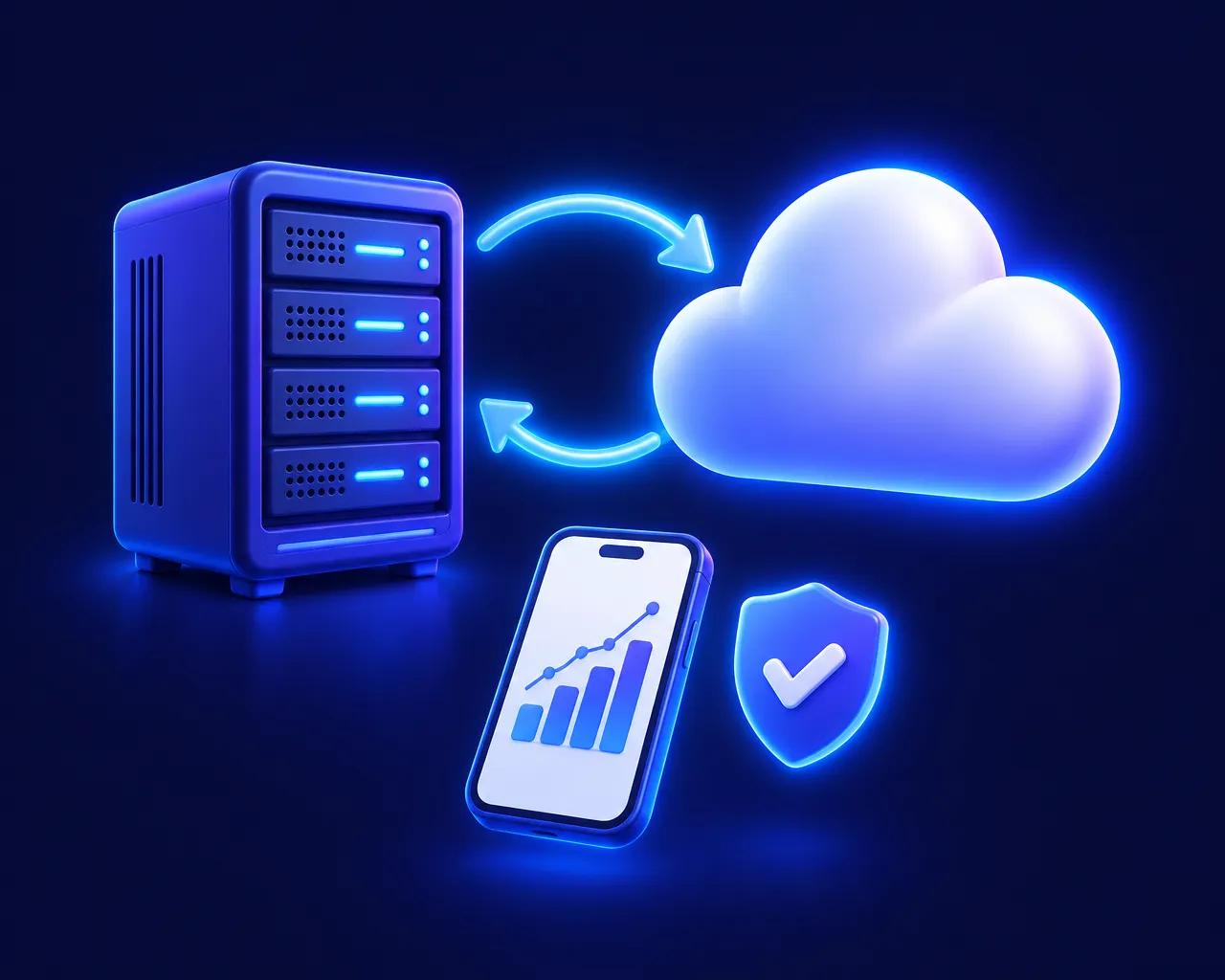
A hybrid HMS combines the two. A local server inside the hospital runs OP, IP, lab, pharmacy and billing, so every department works at local-network speed. That server continuously syncs with a secure cloud, which handles backups, multi-branch consolidation and remote access, including mobile dashboards for owners.
When the internet drops, nothing changes at the counters. Work carries on locally, and the data syncs to the cloud automatically when the connection returns.
| Capability | Desktop-only | Cloud-only | Hybrid |
|---|---|---|---|
| Works during an internet outage | Yes | No | Yes |
| Speed at the billing counter | Fast | Depends on the internet | Fast |
| Remote access and mobile dashboards | No | Yes | Yes |
| Automatic off-site backup | Usually manual | Yes | Yes |
| Multi-branch consolidation | Difficult | Yes | Yes |
If an internet outage would stop your billing counter, and you also want remote access and automatic backups, a hybrid system is usually the right fit.
The right answers depend on your hospital, but the vendor should be able to answer every one of these clearly and quickly.
Desktop-only systems keep you running but keep your data stuck in the building. Cloud-only systems give you reach but stop when the internet does. A hybrid HMS is designed to give you both: local speed and uptime at the counters, with cloud backup, multi-branch reporting and mobile access for management.
How laboratory analyzers send results to a LIS: ASTM E1394 and LIS01-A, HL7 v2, RS232 vs TCP/IP, uni- vs bi-directional interfacing, and what to check before you connect.
The daily hospital KPIs that show how your hospital is really doing: collections, footfall, occupancy, lab TAT, pharmacy margin, dues and edited bills.