Hybrid vs Cloud Hospital Management Software: Which Is Right for You?
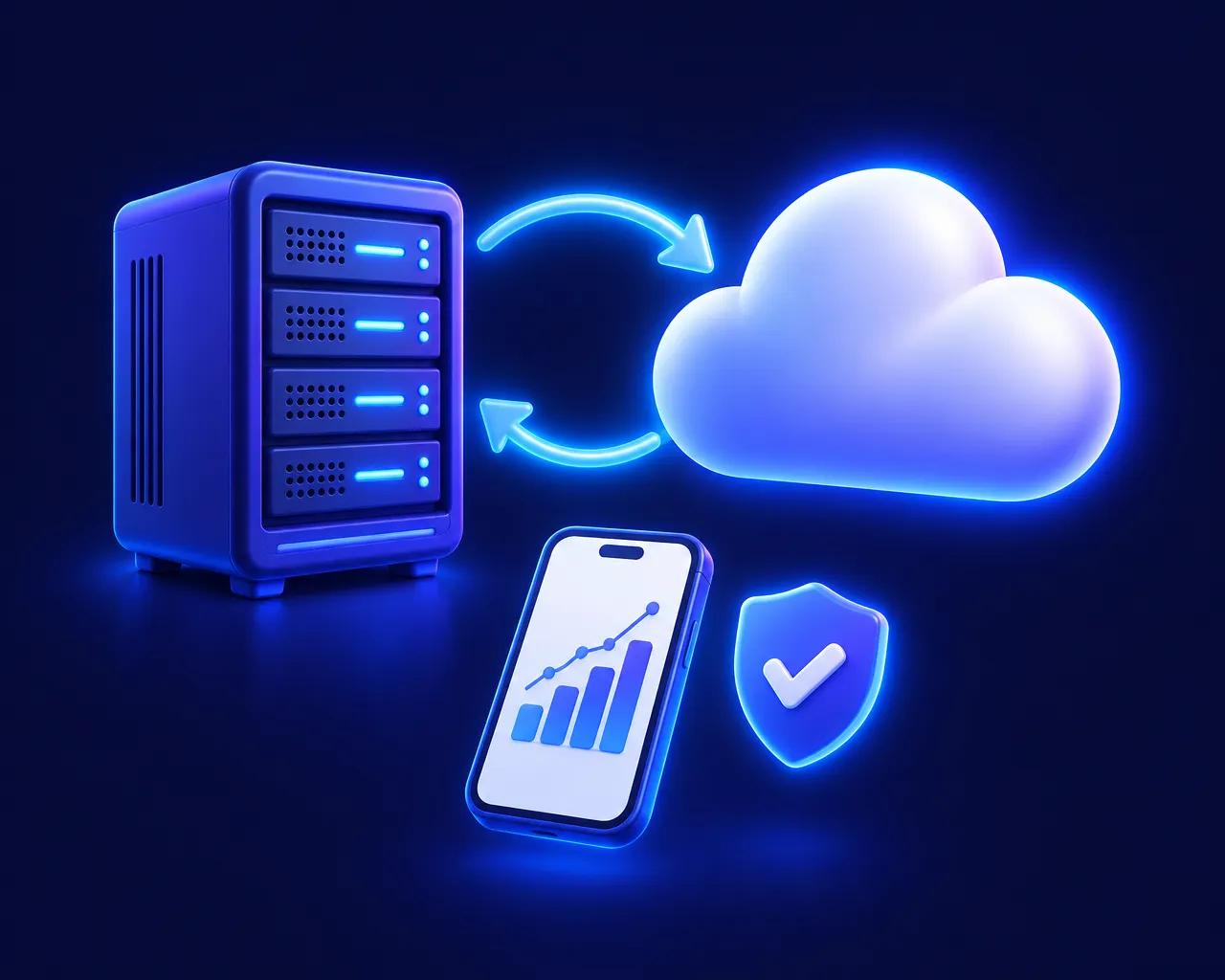
Cloud-only, desktop-only or hybrid? How each kind of hospital management software behaves when the internet fails, and how to choose the right one for an Indian hospital.
How laboratory analyzers send results to a LIS: ASTM E1394 and LIS01-A, HL7 v2, RS232 vs TCP/IP, uni- vs bi-directional interfacing, and what to check before you connect.
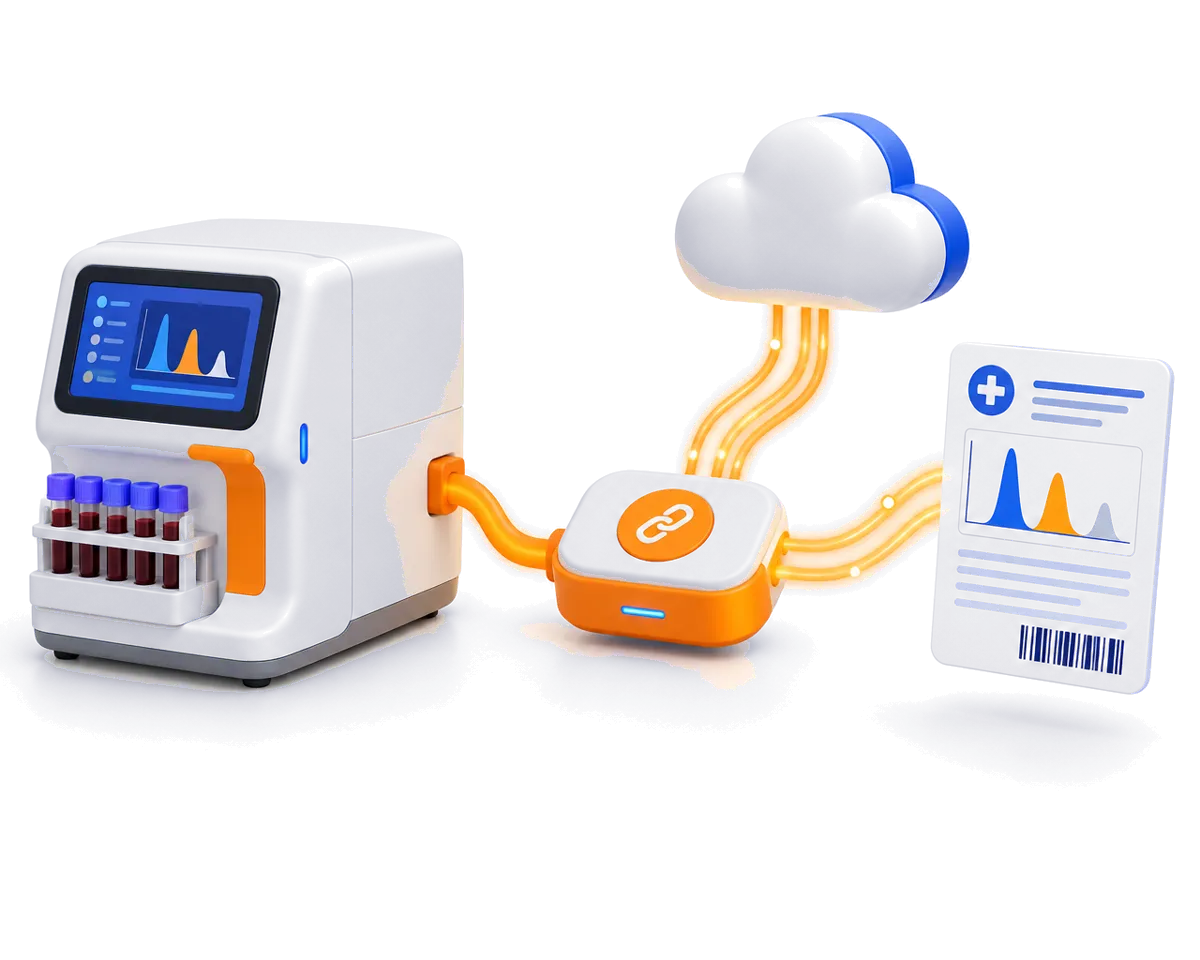
In many labs, results still travel from the analyzer to the report by hand: someone reads a printout or screen and types the values into the lab software. It works, but it is slow, and every typed value is a chance for a transcription error.
Analyzer integration (often called LIS interfacing) removes that step. The analyzer sends results straight to your laboratory information system (LIS), matched to the right sample. This guide explains how that connection works, in plain language.
Every interface has to solve two problems:
Different standards handle each job.
A good interface supports both, so you don’t have to replace instruments to integrate them.
Most analyzers that don’t speak HL7 use the ASTM family of standards, now maintained by CLSI:
ENQ, the receiver answers ACK, data is sent in numbered frames with checksums, and the session ends with EOT. If a frame is corrupted, it is re-sent.| Record | Meaning |
|---|---|
H |
Header — which instrument is sending |
P |
Patient information |
O |
Order — the sample ID and tests requested |
R |
Result — test code, value, units, reference range and flag |
C |
Comment |
L |
Terminator — end of message |
A single complete blood count might arrive as one H, P and O record followed by twenty or more R records.
Some analyzers, and most hospital systems, use HL7 version 2 (v2.3.1 is a widely used version). An HL7 message is made of segments separated by line breaks:
MSH — message header (who sent it, message type)PID — patient identificationOBR — the order or requestOBX — each individual observation, such as a result valueResult messages are typically of type ORU^R01; order messages of type ORM^O01. Over a network, HL7 is usually wrapped in a simple framing protocol called MLLP.
Bi-directional interfacing needs barcoded sample tubes, which most labs adopt anyway for sample tracking.
Hematology analyzers also produce RBC, PLT and WBC histograms and differential scattergrams. Good integrations capture these graphs and attach them to the patient report, so the pathologist and doctor see the full picture, not just the numbers.
The single most important safety feature of any integration is that every result is tied to its sample barcode. That is what guarantees the right value reaches the right patient, even when several analyzers are running at once.
A well-integrated lab removes typing from the result path altogether. Results arrive within seconds of the analyzer finishing, flags and graphs come with them, and staff time goes into verification instead of data entry.
Cloud-only, desktop-only or hybrid? How each kind of hospital management software behaves when the internet fails, and how to choose the right one for an Indian hospital.
The daily hospital KPIs that show how your hospital is really doing: collections, footfall, occupancy, lab TAT, pharmacy margin, dues and edited bills.